The Best Fluffy Pancakes recipe you will fall in love with. Full of tips and tricks to help you make the best pancakes.
iPhone Speaker Cleaner
Fix muffled audio instantly. Use targeted acoustic wave technology to eject water and dust from your phone's speakers.
165 Hz
Ejection Pulse
STANDBY
Generating Tone...
00:00
Point speakers downward while running
100% Safe
All Smartphones
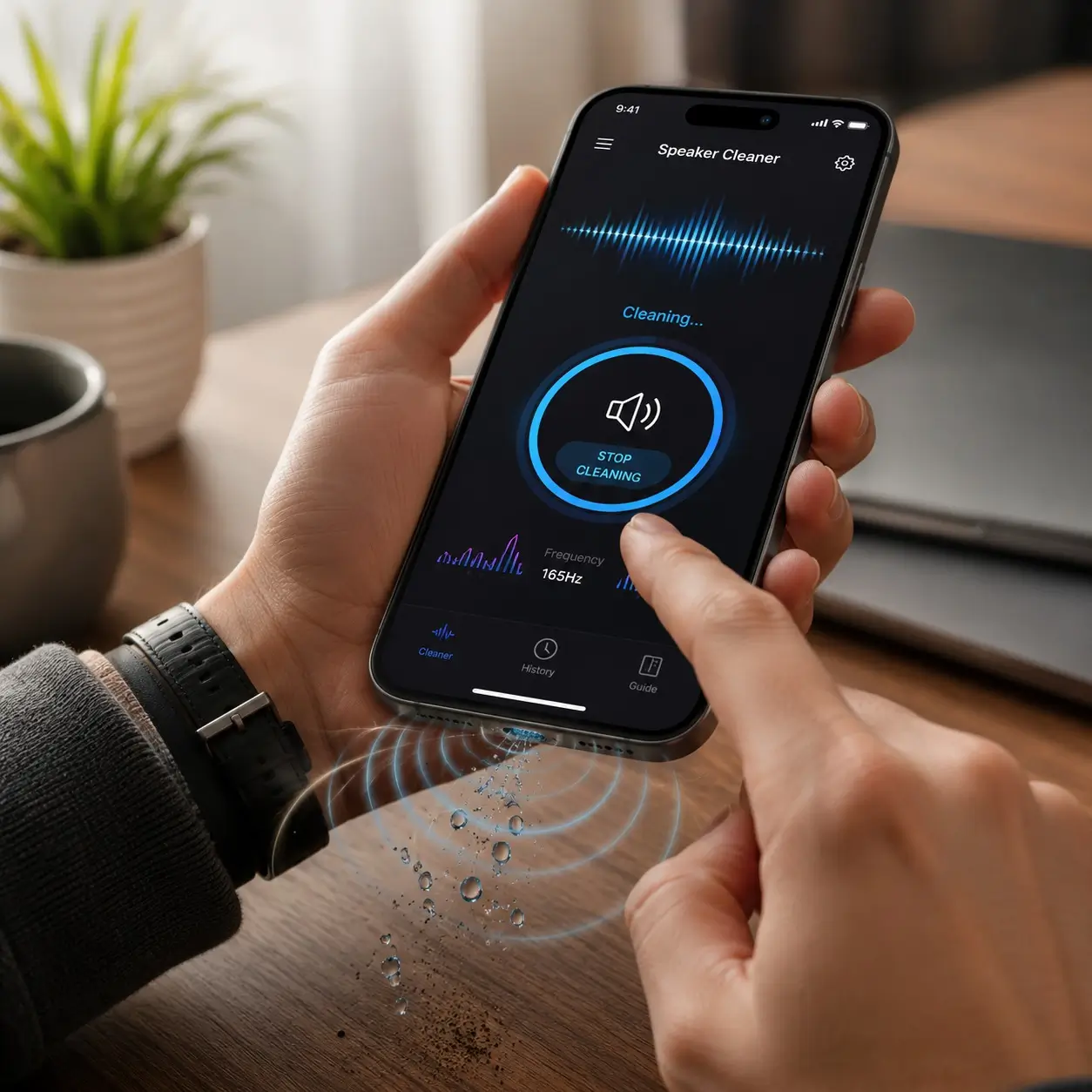
Acoustic Physics
Maximum Air Displacement
The Science
How Does an iPhone Speaker Cleaner Work?
It is driven by acoustics. This tool plays targeted audio tones designed to create maximum speaker-cone movement. By outputting specific low frequencies (such as 165Hz), the internal speaker membrane vibrates rapidly.
This movement generates outward air pressure that breaks the surface tension of water or shakes loose trapped dust, forcing it out through the fine mesh of the speaker grille.
Note: While highly effective for surface moisture and light dust, sound waves cannot physically remove sticky residue or fix severe hardware flooding.
Step-By-Step Guide
How to Use the iPhone Speaker Cleaner
Follow these simple steps for optimal cleaning results on your smartphone.
1
Remove Your Case
Take off protective cases so speaker grilles remain completely unobstructed for liquid or debris release.
2
Set Volume Appropriately
Turn your media volume to maximum level to generate the highest possible acoustic wave pressure.
3
Select a Cleaning Mode
Choose "Water Eject" for liquid spills or "Dust Removal" for lint and dry particles.
4
Play the Cleaning Sound
Position screen facing downward, hit START, and let the 60-second audio cycle complete.
5
Repeat If Necessary
For stubborn blockages or heavy moisture, run the cycle 2 to 3 times sequentially.
6
Test the Speaker
Use our built-in speaker diagnostic test suite below to verify sound separation and clarity.
iPhone Speaker Water Removal
If you have a wet iPhone speaker, our tool serves as an effective iPhone water eject mechanism. Low-frequency sound vibration breaks liquid surface tension, physically forcing water from your iPhone speaker.
Limitation: If your phone was completely submerged for a long time, turn off the device and let it dry naturally in a dry, ventilated room for 24-48 hours.
iPhone Speaker Dust Removal
Experiencing a muffled speaker? Trapped dust in speaker or dirt in speaker grille can block clarity. Our targeted speaker cleaning sound uses erratic frequency shifts to vibrate loose particles.
Safe Physical Cleaning Tip: Combine audio cleaning with a clean, soft, dry makeup or toothbrush. Lightly sweep the exterior grille while sound plays.
Interactive Sound Generator
iPhone Speaker Cleaning Frequencies
Test individual frequencies directly to target specific types of blockages.
| Mode | Purpose | Action |
|---|---|---|
| Low Frequency (165Hz) | Deep speaker vibration, best for water ejection. | |
| Mid Frequency (440Hz) | General cleaning and breaking up loose dust. | |
| High Frequency (1000Hz) | Speaker testing and clearing fine lint. | |
| Dynamic Sweep | Sweeps 100Hz to 2000Hz rapidly for total clearing. |
Audio Diagnostics
Post-Cleaning Speaker Test
Verify speaker clarity, separation, and volume levels after cleaning.
What to Do If Your iPhone Speaker Sounds Muffled
1
Inspect the speaker grille
Look closely at the bottom grilles and top earpiece for lint, mud, or food crumbs that physically block acoustic output.
2
Remove phone case
Thick cases can trap liquid against speaker meshes or slightly obstruct sound exit ports.
3
Check Bluetooth & system settings
Ensure audio is not routed to external Bluetooth headphones or stuck in accessory headphone mode.
4
Run the Cleaning Cycle
Use the Water Eject tool at maximum volume 2 to 3 times sequentially to dislodge hidden droplets.
5
Restart the Device
Rebooting clears temporary iOS audio driver glitches or stuck volume limiters.
6
Allow full natural drying
If flooded, power down and stand phone upright in an airy room. Avoid hair dryers, heat, or rice.
CORE CAPABILITIES
Features Designed for Maximum Sound Clarity
Engineered with targeted acoustic physics to clear speaker mesh blockages safely and instantly.
Instant Water Ejection
Generates 165Hz resonant waves that create intense air movement to break liquid surface tension and eject droplets.
Dual Cleaning Modes
Switch between dedicated Water Eject pulse mode and high-frequency Dust Removal erratic sweep mode.
100% Hardware Safe
Operates safely within standard iOS system gain limits without risking blowout or membrane tearing.
Audio Diagnostic Suite
Verify post-cleaning results using built-in tests for Left/Right separation, Bass impact, and Clarity.
No App Download Needed
Runs directly inside Safari or any mobile browser without cluttering your phone storage or requiring permissions.
Optimized Waveform Curves
Tailored frequency sweeps specifically calibrated for iPhone micro-speaker dimensions and mesh density.
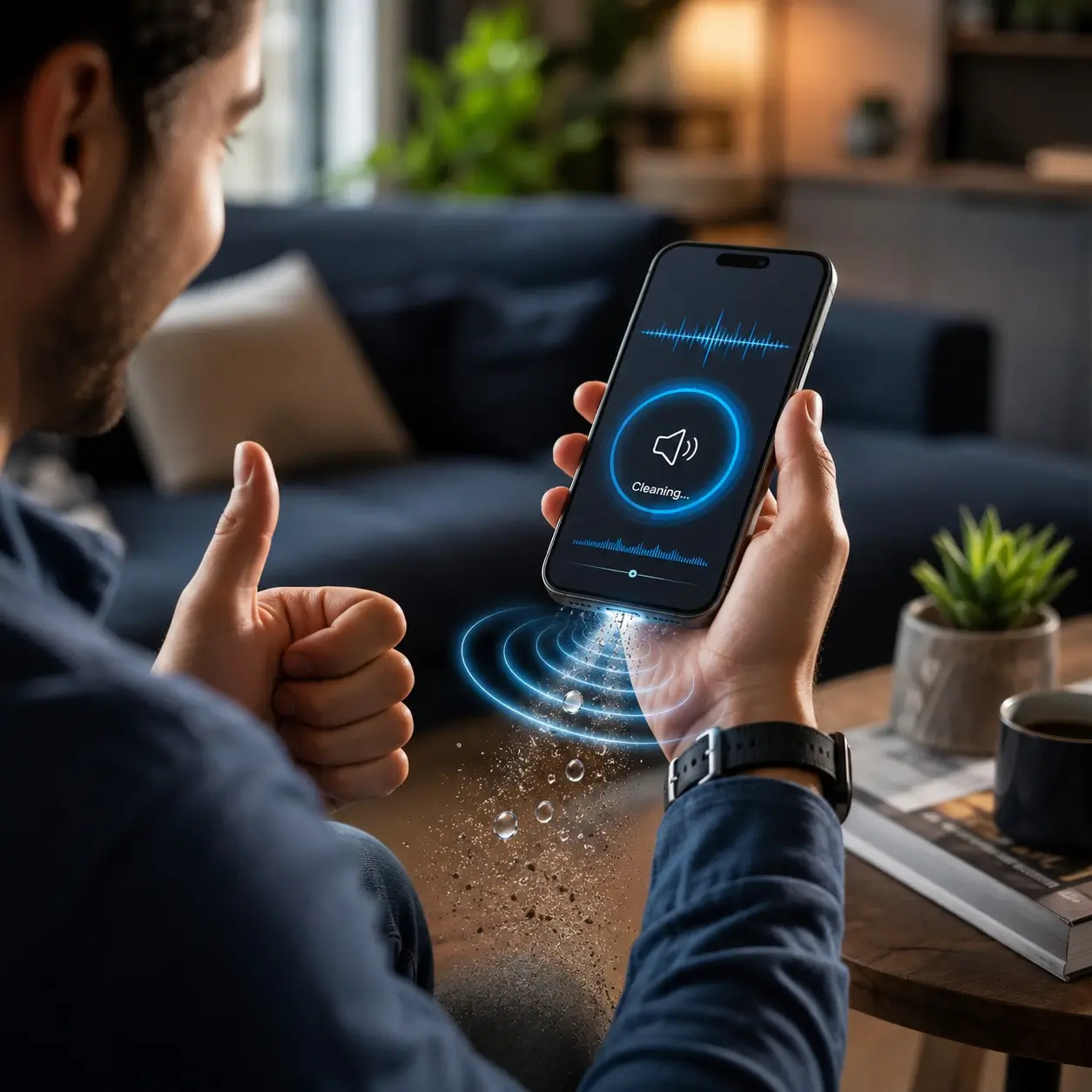
Acoustic Physics
Proven Sound Waves
WHY CHOOSE US
Why Choose iPhone Speaker Cleaner?
When water drops into your speaker grille or pocket lint muffles your audio, you need a solution that works immediately without risking hardware damage.
Targeted Resonant Frequency
Unlike generic sound generators, our tool outputs exact 165Hz pulses specifically calculated to vibrate iPhone speaker diaphragms at maximum amplitude.
Instant & Private
No app installs, registration, or data tracking. Launch the page, hit play, and clean your phone speakers within 60 seconds.
Complete All-in-One Solution
Combines water eject tones, dust sweeps, manual frequency testing, and stereo balance diagnostics in a single place.
Universal Compatibility
Supported iPhone Models
iPhone 17 / Pro / Max
iPhone 16 / Pro / Max
iPhone 15 / Pro / Max
iPhone 14 / Pro / Max
iPhone 13 / Mini / Pro
iPhone 12 / Pro
iPhone 11 / Pro
iPhone XS / XR / X
iPhone 8 / 7 / SE
Got Questions?
Frequently Asked Questions
Everything you need to know about acoustic speaker cleaning.
Remove your case, set volume to maximum, point speakers downward, and click START on our Water Eject tool. Let it run for 60 seconds.
Select "Water Eject" mode. The 165Hz tone causes high-amplitude cone vibrations that push liquid droplets outward through speaker grilles.
Yes! Speaker membranes move air physically. Specific frequencies generate rapid air pressure pulses that expel surface moisture and dust.
Yes, acoustic ejection is standard technology. Apple Watch uses a similar built-in sound function after swimming.
Switch to "Dust Removal" mode. The erratic sweep dislodges particles. Lightly brush the grille with a dry soft brush simultaneously.
Muffled sound is typically caused by trapped water droplets or lint clogging tiny holes in the exterior grille mesh.
The default 60-second cycle is optimal. Repeat 2 to 3 times if water droplets remain visible.
Yes, for minor splashes or surface water contact. For deep submersion, turn off the device and dry thoroughly first.
Low frequency (165Hz) provides peak physical cone motion for water ejection. 250Hz - 850Hz sweeps work best for dust.
No. Our frequencies operate safely within standard iOS system audio tolerance limits, making it safe for your speaker membrane.
Explore More Utilities
Related Speaker Cleaning Tools
Clear water and dust from all your personal electronic devices.
Laptop Speaker Cleaner
Designed specifically for Windows and Linux laptops to clear muffled sound and liquid spills from wide speaker grilles.
Android Speaker Cleaner
Calibrated sound waves optimized for Samsung Galaxy, Google Pixel, OnePlus, and Xiaomi smartphone speaker modules.
MacBook Speaker Cleaner
High-fidelity multi-driver frequencies tuned for Apple Silicon MacBook Pro and Air high-excursion speaker arrays.
Join Our Newsletter
and Stay Updated
Get the latest insights, updates, and strategies delivered to your inbox.