The Best Fluffy Pancakes recipe you will fall in love with. Full of tips and tricks to help you make the best pancakes.
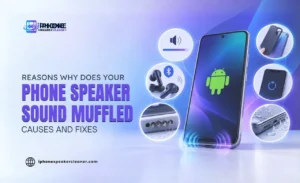
Why Does Your Phone Speaker Sound Muffled? Causes and Fixes

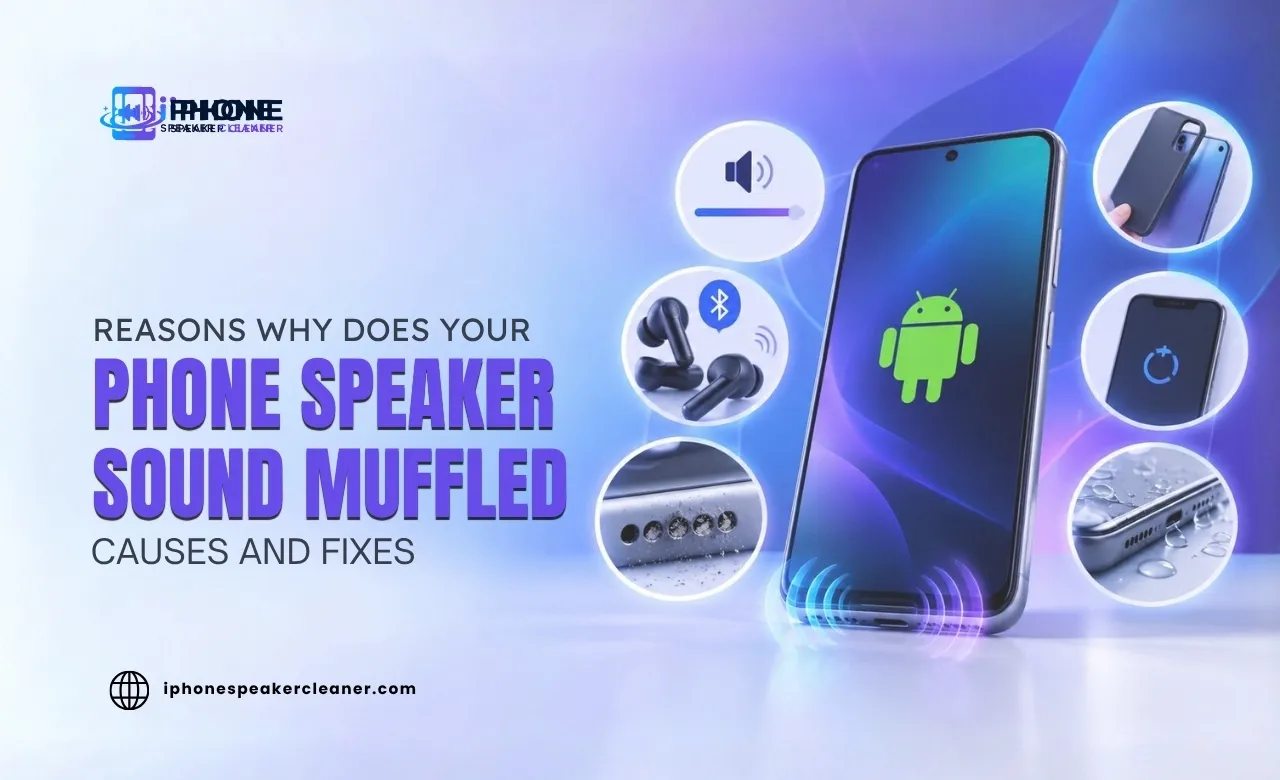
If your phone speaker sounds muffled, quiet, blocked, or unclear, several things could be causing it. Dust and lint can collect around the speaker grille, moisture can temporarily affect sound, or a phone case may cover part of the opening. Bluetooth connections, volume settings, software problems, apps, and physical speaker damage can also affect audio quality.
A muffled phone speaker does not always mean the speaker is damaged. A few simple checks can help you find the likely cause and restore clearer sound.
Here is how to troubleshoot the problem safely:
Common Reasons Why Your Phone Speaker Sounds Muffled
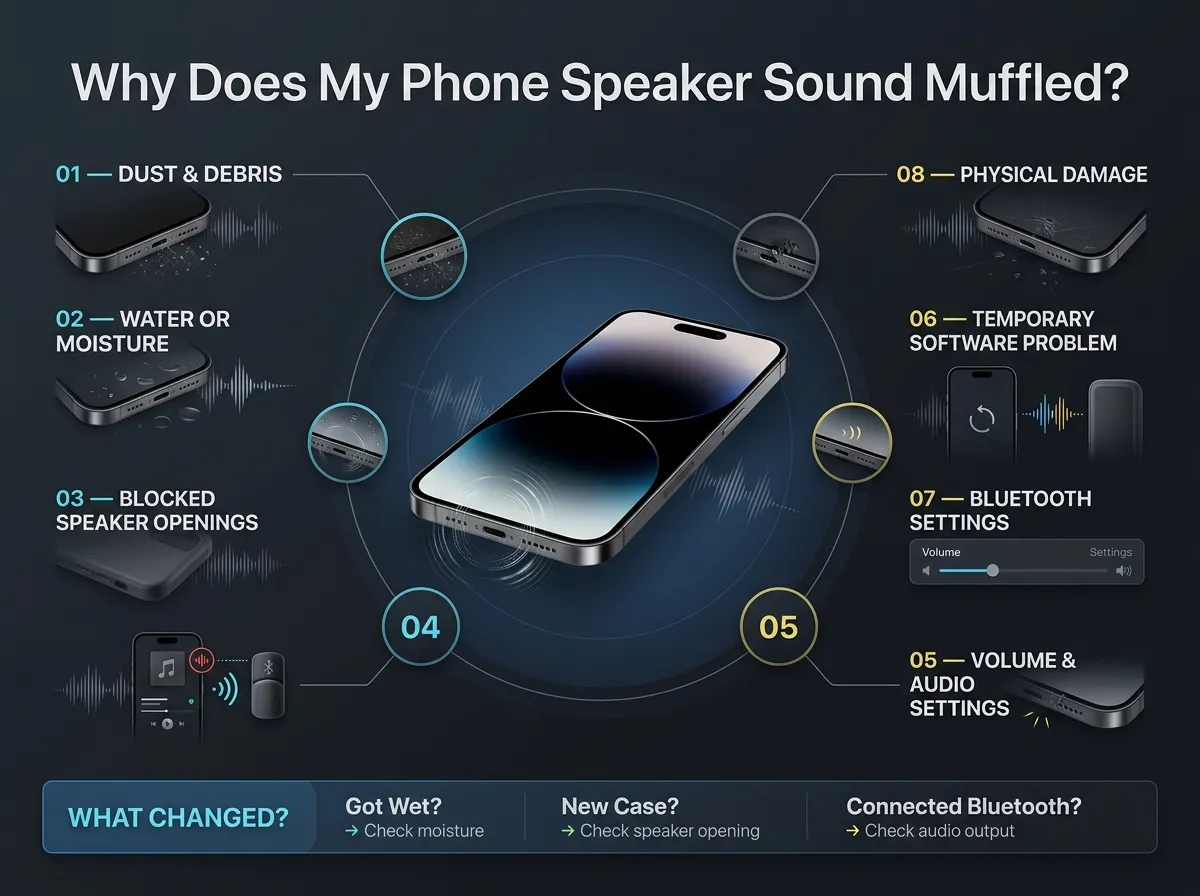
If you are wondering why your phone speaker sounds muffled, start with the simple possibilities. The exact cause can vary from one phone to another.
Common causes include:
- Dust and debris: Dust, lint, and other small particles can collect around the speaker grille and affect sound.
- Water or moisture: Moisture around the speaker can make audio sound quiet, muffled, or distorted for a while.
- Blocked speaker openings: A phone case, screen protector, or other accessory may partly cover the speaker opening.
- Bluetooth connection: Your phone may be sending sound to connected wireless headphones, speakers, or another audio device.
- Volume or audio settings: Low volume or certain settings can make your phone sound quieter than expected.
- Temporary software problems: A restart can sometimes resolve a temporary audio problem.
- App-related issues: If the problem happens only in one app, the app or its audio settings may be involved.
- Physical damage: A drop, impact, or significant water exposure can damage the speaker.
If your phone suddenly sounds muffled, think about what changed just before the problem started. Did the phone get wet? Did you put on a new case? Did you connect Bluetooth headphones? These details can help narrow down the cause.
What Causes a Phone Speaker to Sound Muffled?
A phone speaker produces sound through a small opening designed to let audio out while protecting the internal components. When that opening becomes blocked, or the speaker is affected by moisture or damage, the sound can change.
1. Dust and debris
Dust and lint are common things to check when a phone speaker becomes muffled. Particles can build up around the grille, especially if the phone is often kept in a pocket, bag, or dusty environment.
A blocked grille can affect how clearly sound comes through. However, dust is not automatically the cause of every muffled speaker problem.
2. Water or moisture
Moisture can temporarily change the way a speaker sounds. You may notice quieter audio, muffled sound, or distortion after the phone has been exposed to water or high moisture.
Even phones with water resistance can still require careful handling after liquid exposure. Water resistance does not mean a phone is completely protected from every type of liquid exposure or damage.
3. Phone cases and accessories
A case that does not fit properly can partially cover a speaker opening. Some screen protectors can also affect the earpiece or top speaker if they are incorrectly positioned. Removing the case temporarily is an easy way to check in case it is contributing to the problem.
4. Bluetooth connections
Sometimes the speaker itself is fine. Your phone may simply be connected to another audio device. Check whether Bluetooth headphones, earbuds, a car system, or another speaker is connected. Disconnect the device and test the phone again.
5. Settings and software
A low volume level or an audio setting can make a phone seem quieter. A temporary software issue can also affect sound playback. If your phone sounds muffled across several apps and audio sources, restarting it is a useful basic troubleshooting step.
6. Physical damage
If the phone has been dropped, crushed, or exposed to significant moisture, the speaker may have suffered physical damage. You cannot confirm hardware damage from sound alone. If the problem continues after basic troubleshooting, professional inspection may be appropriate.
- Explore our Professional Android Speaker Cleaner
10 Ways You Can Fix a Muffled Phone Speaker
If you want to know how to fix a muffled speaker, work through the following steps. Start with the easiest checks before attempting any cleaning.
1. Increase the volume
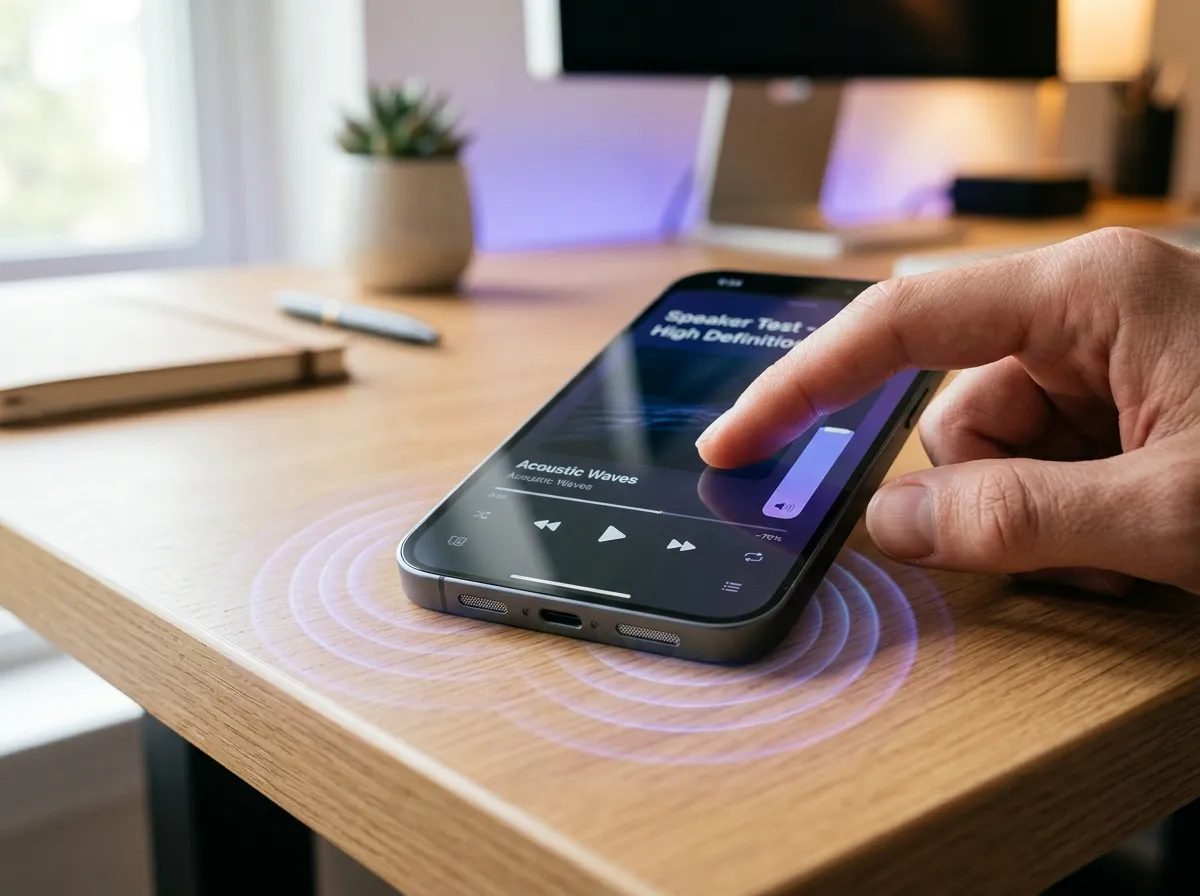
Play a familiar song or video and gradually increase the volume. Make sure the volume is actually high enough to judge the speaker clearly.
2. Disconnect Bluetooth devices
Open your phone’s Bluetooth settings and check whether another audio device is connected. Disconnect headphones, earbuds, cars, or wireless speakers and test the phone again.
3. Remove the phone case
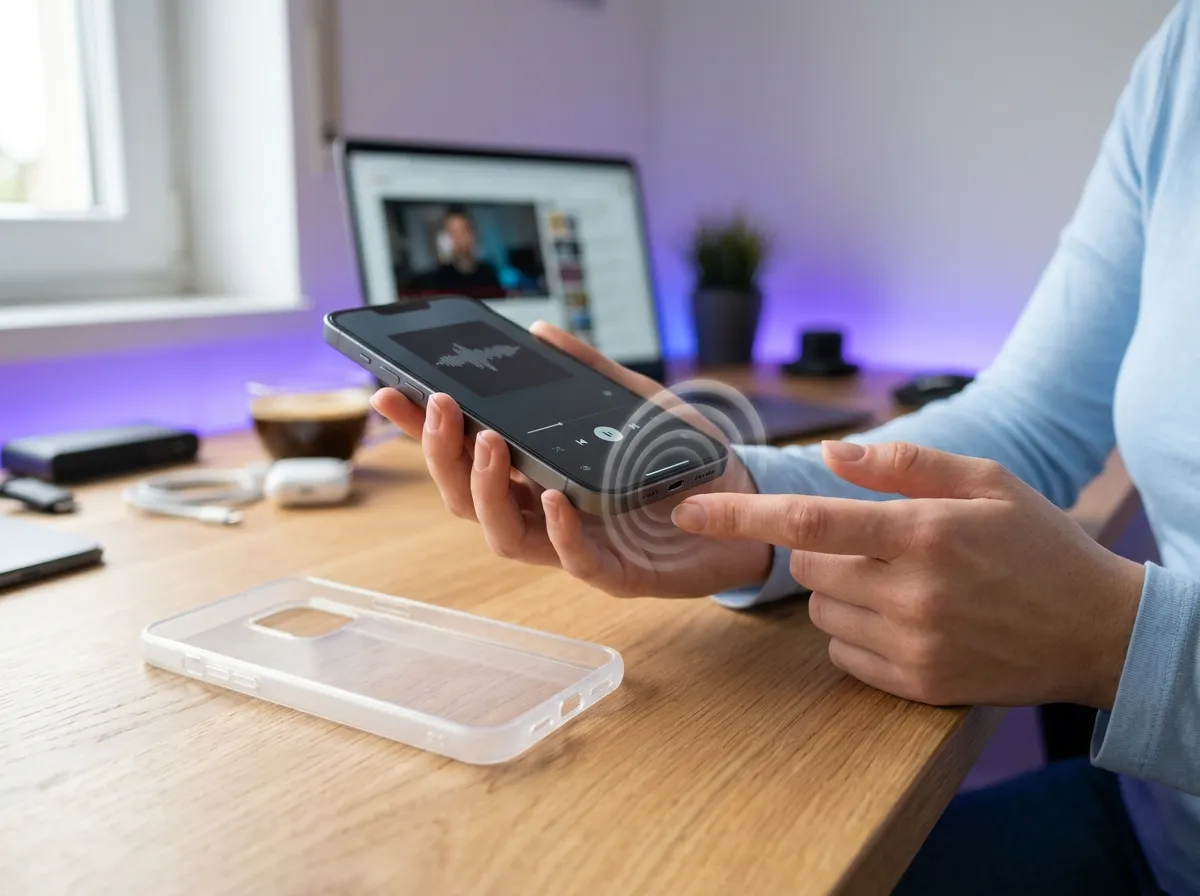
Take the case off temporarily and play audio again. Check if the case was covering or sitting too close to the speaker opening.
4. Restart the phone
Turn the phone off and back on. This can clear a temporary software problem that may be affecting audio playback.
5. Test different apps and audio sources
Play audio from more than one source. Try a video, music app, ringtone, or another sound. If only one app has muffled audio, the problem may be related to that app rather than the phone speaker.
6. Check the speaker grille
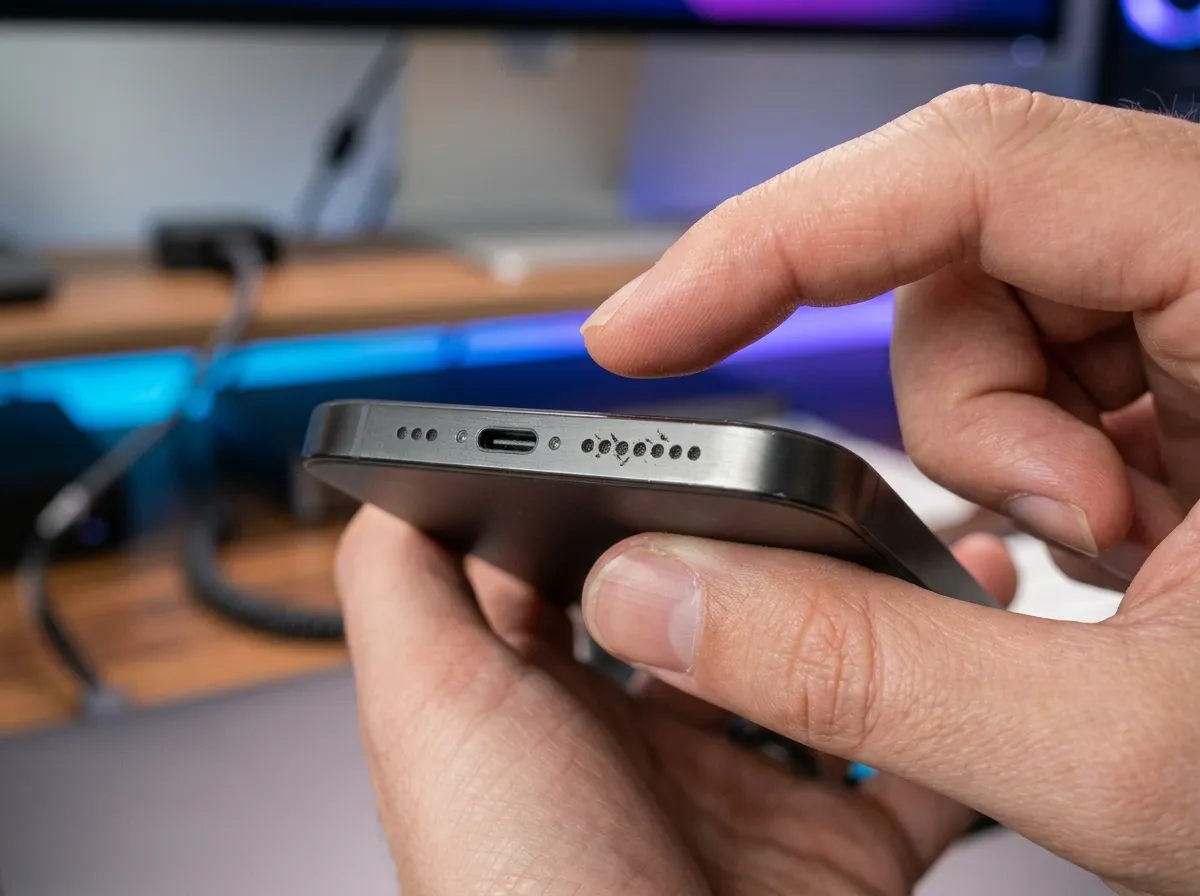
Look closely at the speaker openings. Check for visible dust, lint, or debris. Do not push anything into the openings while checking them.
7. Gently clean visible dust
If you can see loose dust on the outside, clean the area gently using a suitable soft, dry cleaning method. Avoid sharp objects, liquids, heat, and aggressive air pressure. Never insert pins, needles, toothpicks, or similar objects into the speaker grille.
8. If the phone was exposed to water, let it dry safely
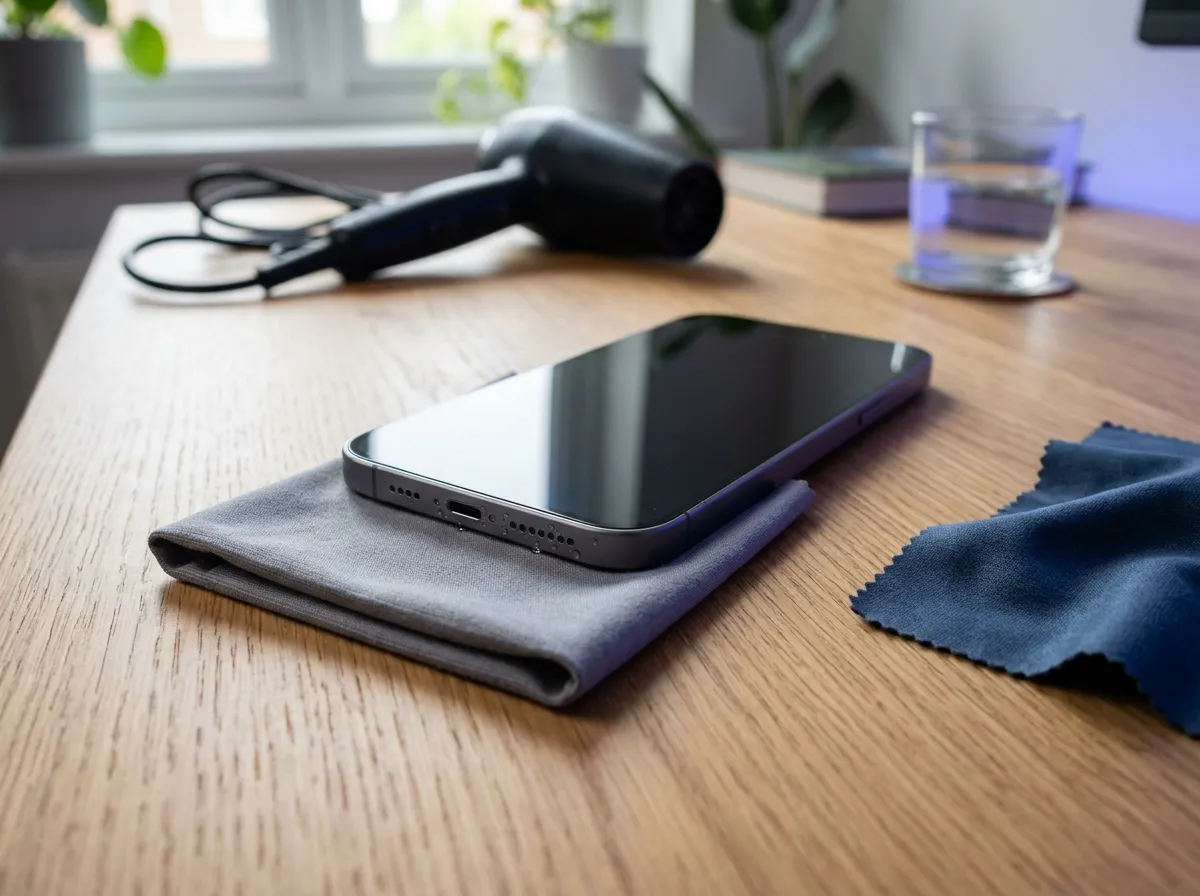
If the phone recently became wet, give it time to dry naturally in a safe, dry environment. Avoid using a hair dryer or another heat source. Do not pour liquid into the speaker in an attempt to clean it.
9. Test the speaker again
After checking the above points, play audio again at a normal volume. Listen for changes in clarity, loudness, and distortion.
10. Check whether the problem continues
If the phone speaker remains muffled after these steps, the issue may need further troubleshooting or professional inspection.
Can Dust Make Your Phone Speaker Sound Muffled?
Yes, dust, lint, and loose debris can affect the sound coming through a speaker opening. When particles collect around the grille, they can make the speaker seem quieter or less clear.
This is especially worth checking if your phone is frequently kept in a pocket or bag. However, a muffled speaker is not always caused by dirt. Moisture, settings, software, accessories, and hardware problems can produce similar symptoms.
For external cleaning, keep things gentle. Remove only visible material from the outside without pushing anything into the grille. Avoid sharp tools and liquids because they can cause additional problems.
If you are unsure whether the speaker is actually blocked, it is better to use a gentle approach than to try aggressive cleaning.
Can Water Make Your Phone Speaker Sound Muffled?
Yes. Moisture can make speaker audio sound muffled, quiet, or distorted temporarily. This can happen after a phone is exposed to rain, splashes, spills, or another source of moisture.
If your phone has recently been exposed to water:
- Move it away from the source of moisture.
- Keep the phone in a dry environment.
- Allow it to dry naturally.
- Avoid using a hair dryer or direct heat.
- Do not pour anything into the speaker opening.
- Test the audio again after giving it time to dry.
A speaker-cleaning sound may sometimes help move water or moisture away from the speaker area. However, it is not a guaranteed solution for water exposure and cannot repair internal water damage.
If the sound remains distorted or the phone develops other problems after significant water exposure, professional inspection may be appropriate.
Why Does My Phone Sound Muffled During Calls?
If your phone sounds muffled during calls, the issue may involve the earpiece or top speaker rather than the main speaker used for media playback.
The earpiece is the small speaker you listen through when holding the phone to your ear. If it becomes blocked, dirty, or affected by moisture, voices may sound quiet or unclear.
Possible causes include:
- A blocked earpiece opening
- Dirt or debris
- Moisture
- Audio or volume settings
- Network or call-related issues
- Hardware problems
Try making another call and compare the sound. You can also test other audio sources to see whether music and videos sound normal.
If calls are consistently unclear but other audio works normally, the top speaker or the call itself may need further investigation.
Why Does My iPhone Speaker Sound Muffled?
If you are asking, “Why does my iPhone speaker sound muffled?”, start with the same basic checks used for any phone. If your iPhone speaker is muffled, check the volume, disconnect Bluetooth devices, remove the case, restart the phone, and test audio in different apps.
Look at the speaker openings for visible dust or debris. If your iPhone has recently been exposed to moisture, allow it to dry safely before testing it again.
If my iPhone speaker sounds muffled only in one app, check whether the problem happens elsewhere. If the audio is muffled across calls, music, videos, and other sounds, the cause may be outside that particular app.
These steps can help you fix a muffled iPhone speaker when the cause is something simple. They cannot guarantee a fix if the speaker has physical damage.
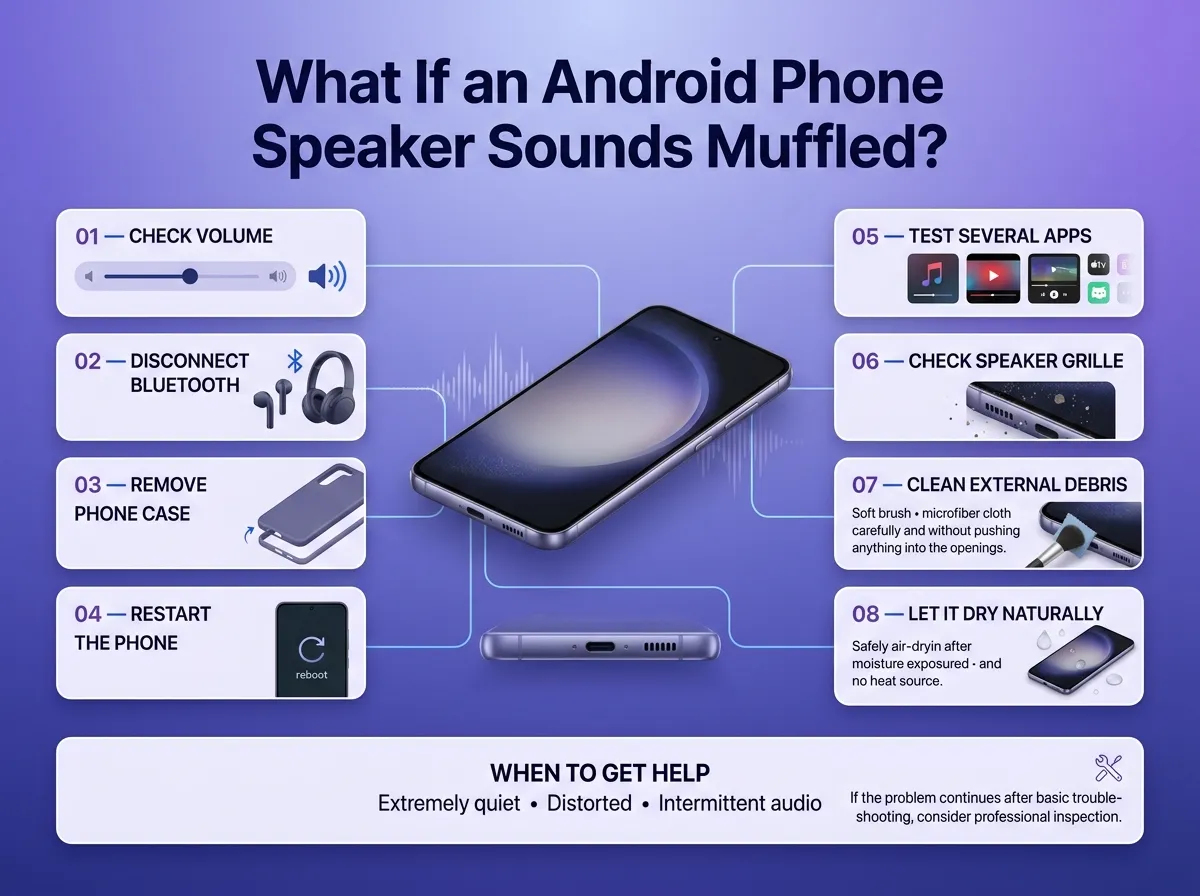
What If an Android Phone Speaker Sounds Muffled?
An Android phone speaker can become muffled for many of the same reasons. If your Android phone speaker sounds muffled, check for dust, moisture, a blocked speaker opening, Bluetooth connections, volume settings, software problems, and possible hardware damage.
Because Android phones come from many different manufacturers, the exact settings and troubleshooting options can vary.
Start with the basics:
- Check the volume.
- Disconnect Bluetooth devices.
- Remove the phone case.
- Restart the phone.
- Test several apps.
- Check the speaker grille.
- Gently clean visible external debris.
- Allow the phone to dry naturally if it was exposed to moisture.
If the sound remains extremely quiet, distorted, or intermittent, consider having the phone checked by a qualified repair professional.
Can a Speaker Cleaning Sound Help?
A speaker cleaning sound uses audio played through the phone speaker to create vibrations and movement around the speaker opening. Certain sounds or frequencies may help move water or loose debris away from the speaker area.
This can be useful when you are dealing with a temporary issue around the speaker opening. It is not a repair method for a damaged speaker, and it cannot guarantee that all water or dust will be removed.
iPhone Speaker Cleaner is a free online speaker cleaning tool that uses sound to help clear water, dust, and debris from phone speakers. If your speaker problem may be related to moisture or loose debris, you can try the tool as one part of the troubleshooting process.
If the speaker remains muffled afterward, continue checking other possible causes rather than repeatedly assuming the problem is caused by water or dust.
When Is a Muffled Speaker a Hardware Problem?
Sometimes a muffled speaker needs more than basic cleaning or troubleshooting. You may want professional help if the problem continues without an obvious cause.
Signs that may point to a hardware issue include:
- Sound remains muffled after basic troubleshooting.
- The speaker is extremely quiet.
- Crackling or distortion continues.
- The phone has been dropped or hit.
- The phone has had significant water exposure.
- You can see physical damage around the speaker.
- Sound works intermittently.
- The problem affects multiple audio sources.
These signs do not prove that the speaker is damaged. They simply indicate that a hardware problem may be possible.
If the phone has suffered a serious impact or water exposure, or the speaker continues to perform poorly after basic checks, a qualified repair professional can inspect it more closely.
How to Keep Your Phone Speaker Clear
Preventing speaker problems is easier than trying to fix them after they appear. A few simple habits can help keep the speaker area in good condition.
- Keep the speaker area reasonably clean.
- Avoid unnecessary exposure to moisture.
- Keep dust and lint away from the phone.
- Use a suitable phone case that does not cover the speaker openings.
- Avoid poking objects into the speaker grille.
- Check the speaker if the sound quality suddenly changes.
- Clean visible external debris gently rather than aggressively.
If you regularly carry your phone in a pocket, check the speaker area occasionally for visible lint or dust. A little attention can help you notice a blocked opening before it becomes a bigger annoyance.
Final Steps to Restore Clear Phone Speaker Sound
When your phone speaker sounds muffled, do not assume that the speaker is permanently damaged. Dust, moisture, a blocked opening, Bluetooth connections, volume settings, software issues, and physical damage can all produce similar symptoms.
Start with the simple steps: increase the volume, disconnect Bluetooth, remove the case, restart the phone, test different audio sources, and inspect the speaker grille. If there is visible dust, clean the outside gently. If the phone was exposed to water, let it dry safely and avoid heat or aggressive cleaning methods.
A speaker cleaning sound may be useful when moisture or loose debris is involved, but it is not a guaranteed repair. If the muffled sound continues, becomes distorted, or appears after a drop or significant water exposure, professional inspection may be the right next step.